



Programs

Learning to create, through real problems

Every program shares one method: start from a real problem, build something that runs with AI, get real feedback, improve.

Five-Day Studio

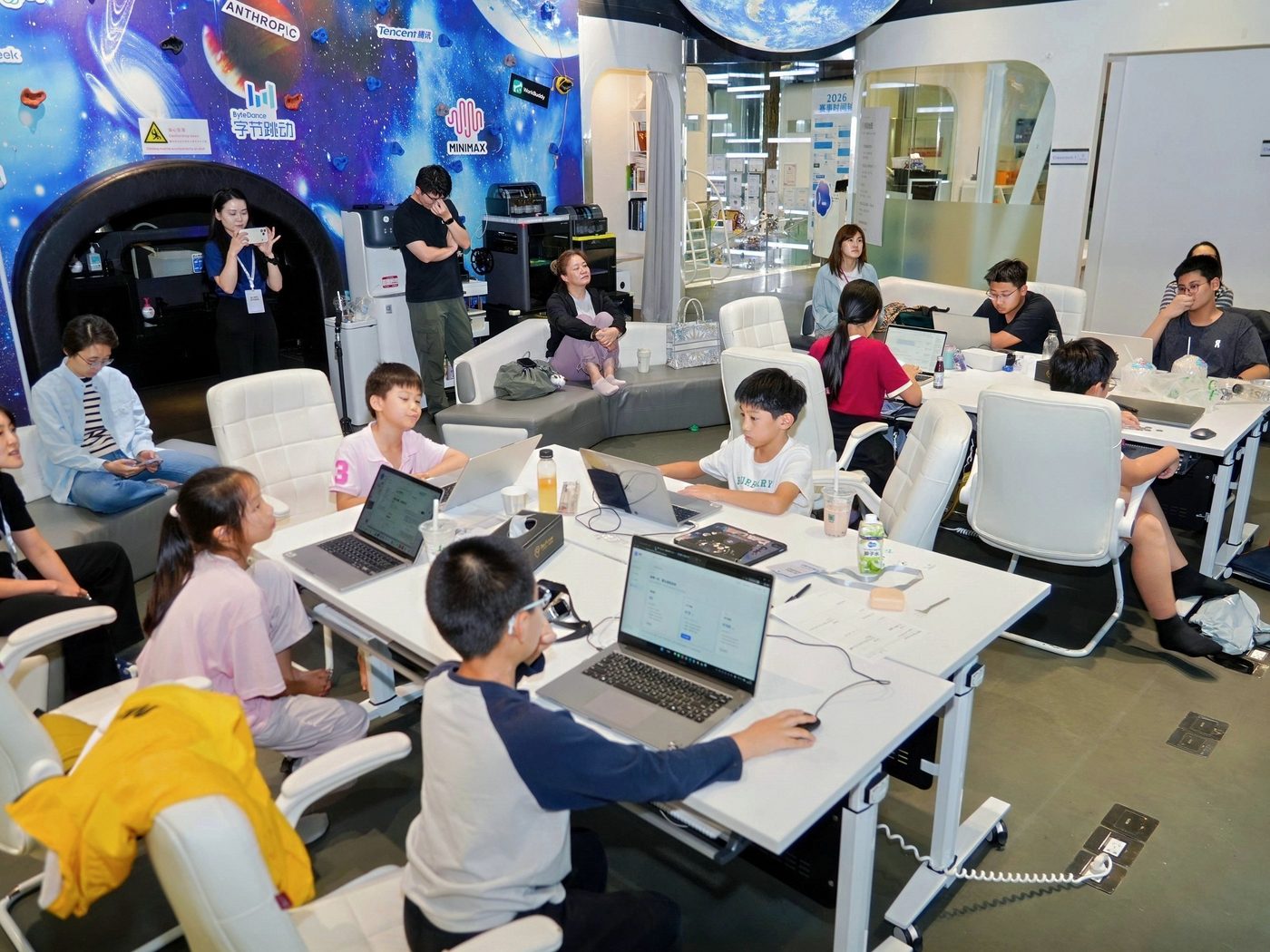
Five focused days. Kids choose the direction, build one complete project and launch it on stage.

  1. Day 1Find a problemTry what AI can and cannot do; find a problem worth solving; estimate who needs it; name the product, design a logo and a one-line pitch.
  2. Day 2Define and startTurn the idea into a one-pager and a plan, let AI scaffold the project, get a first version running and fix the first problem.
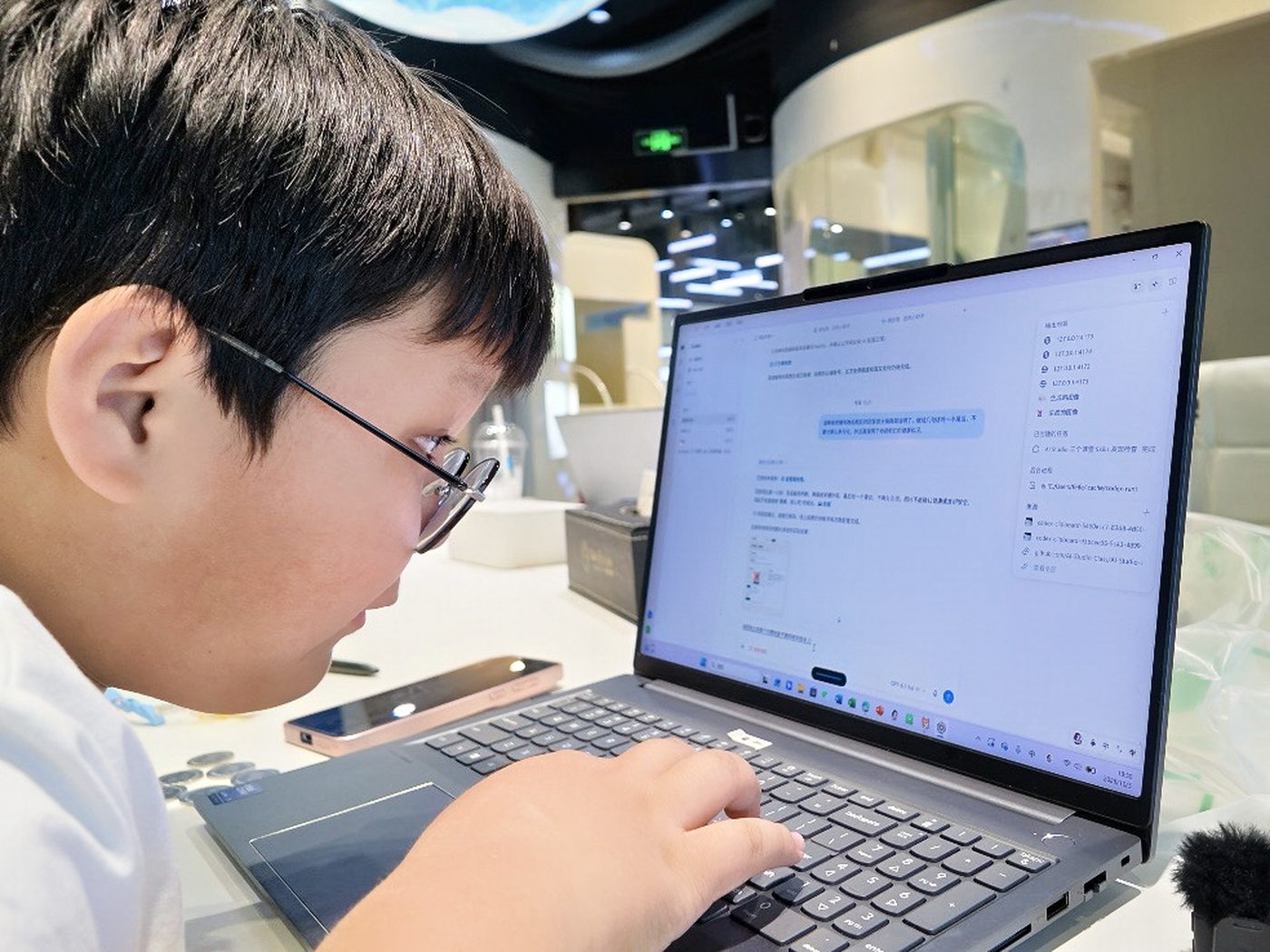
  3. Day 3BuildFour sprints: main features, better AI output, interface and playful details; end the day with a fix list.
  4. Day 4Test and fixFix only, add nothing, lock the version; make the launch page and start rehearsing in the afternoon.
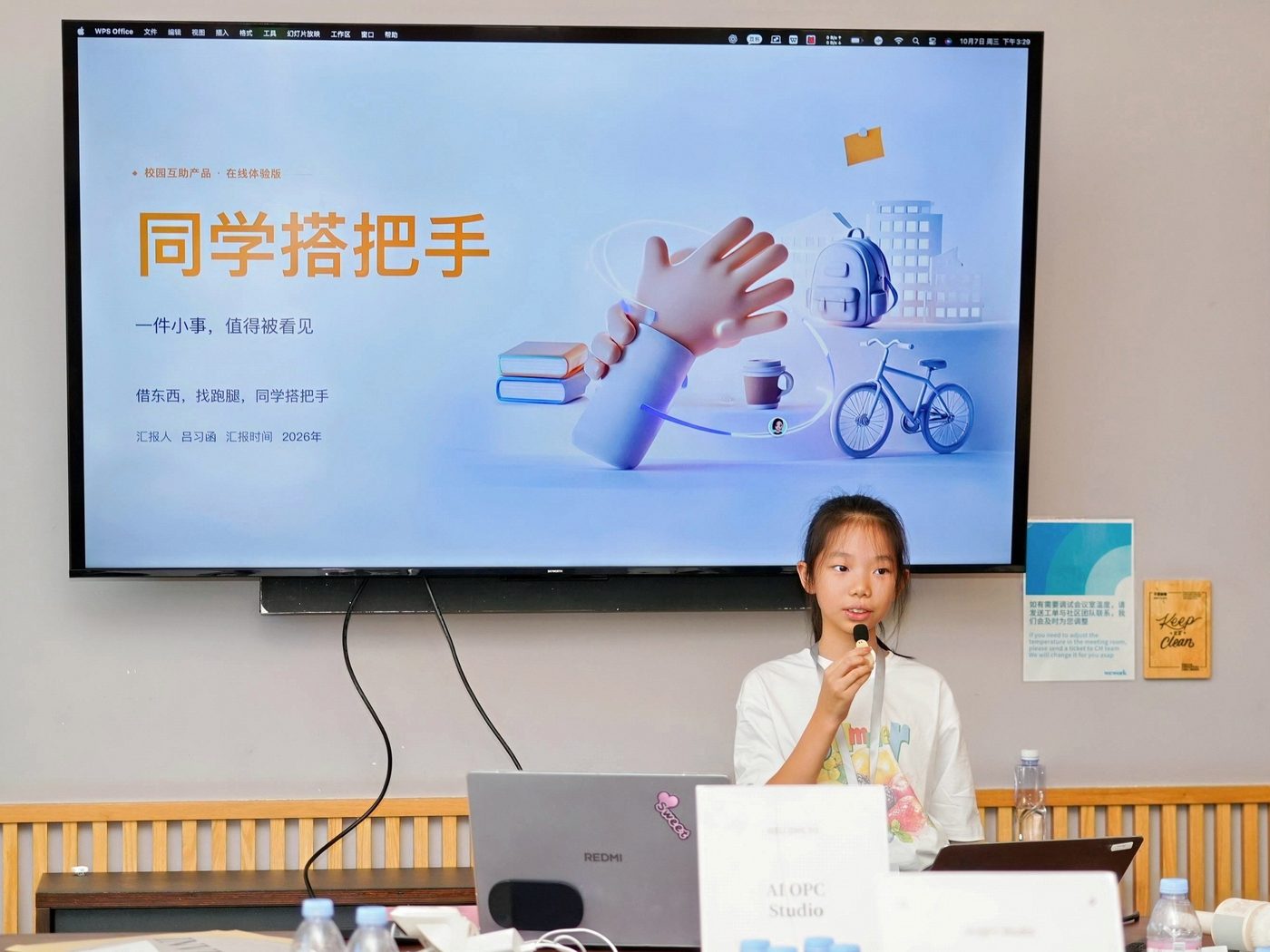
  5. Day 5LaunchFinal rehearsal, launch on stage, feedback from reviewers across several dimensions with no ranking, then a personal reflection.

Dates and fees are shared one-on-one. Scan to ask.

AI Office

A weekly two-hour studio: four themes, eight sessions. Each theme has two sessions: first a playable version, then a complete project.

One session

15′Try the tech10′How it works20′Progress check5′Screen break60′Build10′Save and share

Vision magic

Let the computer see your hand

Session 1

My hand is the controller

Build
Catch-the-coins: a basket follows your index finger and scores coins
Uses
MediaPipe hand landmarks, coordinates and mirroring
Done when
The game keeps working when the hand leaves the frame; restart resets the score
At home
Swap coins for stars or draw in the air, then have family try it
Session 2

Recognition becomes game rules

Build
A full gesture challenge: fist to pause, open hand to resume, countdown and restart
Uses
Gesture recognition, game states, avoiding repeat triggers
Done when
Holding a fist does not flicker pause; coins and timer stop together
At home
Add an obstacle or a level and watch where players get stuck

3D making

Ask AI to build a world you can explore

Session 3

Ask AI to build my small world

Build
A low-poly room with a desk, shelf and lamp, placed and styled by you
Uses
Blender, MCP to connect AI with tools, local edits
Done when
All three objects have clear names and are still there after reopening
At home
Add one useful object and think of a clue that appears on click
Session 4

My world can be explored

Build
A two-step treasure room on the web: click the shelf for a clue, then the lamp to win
Uses
Three.js, click picking, clues and feedback
Done when
A classmate finishes without hints and can play again
At home
Add one hidden object or a short story

My AI friend

An original character that listens and replies

Session 5

Make my own Whisper

Build
A voice typer you can correct: record, see the text, edit, copy and clear
Uses
Local speech recognition with whisper.cpp, human checking
Done when
Misheard words can be fixed; the mic turns off when stopped
At home
Design an original AI character: a name, three traits and a task to share
Session 6

My character starts to talk

Build
A story partner that listens and replies: take turns telling three parts of a story
Uses
Speech recognition + language model + on-device reading aloud
Done when
Text can be confirmed before sending; you know what goes to the cloud
At home
Make another original partner and explain to parents that cloud calls cost money

Sound magic

Turn sound into something to play with

Session 7

Turn sound into playable notes

Build
A melody converter: import a short clip, see the notes, play them in two voices
Uses
Basic Pitch note detection, pitch and duration
Done when
Both voices play and the notes can be saved
At home
Pick an entrance melody for your game or AI character
Session 8

Turn music into a small toy

Build
A dancing music picture: pitch sets position, duration sets how long it stays
Uses
Canvas drawing, Web Audio, one shared timeline
Done when
Replaying three times never stacks the sound
At home
Pick one project from the four themes to keep improving and demo it at home

Dates and fees are shared one-on-one. Scan to ask.

Coming soon

Parent Course

Three sessions for parents. The content is still being refined and may change before launch; scan the code to hear more.

  1. Session 1Learning on their ownTurn scattered questions into one complete round of self-study: a small goal, the right textbook, an AI that diagnoses, explains and then practises, and finally explaining it and solving a new problem without AI.
  2. Session 2Motivation and limitsBreak "not motivated" into things you can change: real choices, doable steps, being seen; write a device agreement both sides keep; use mistakes and reviews to check what was really learned.
  3. Session 3Make something with itStart from a real person and problem, write a small project brief, help your child build a prototype, get someone to try it and improve it; use the portfolio to notice interests without fixing a direction too early.

This program is still being prepared and may change. Scan to hear more

We don't count lines of code

HonestSay clearly what the project can and can't do yet
BravePropose ideas, take the stage, let others try it
ResponsibleOwn your choices, your delivery and how you use others' material

Parents often ask

Does my child need coding experience?

No. Students build with AI; the focus is on defining the problem, judging, testing and presenting. Ask us which grade levels fit.

What computer is needed?

A regular Windows or Mac laptop; no dedicated graphics card. Teachers help check the setup before class.

Won't AI make kids lazy?

AI helps build; the direction and trade-offs are the student's. Every project goes through real playtests, and students must explain which decisions were theirs.

How do I find dates and fees?

They aren't published online. Scan to add us on WeCom.

Questions about programs or partnering?

Scan to add us on WeCom. We discuss schedules, fees and partnership details one-on-one.

QRWeCom QR code · to be supplied

Contact us

QRWeCom QR code · to be supplied

Scan to talk with us one-on-one about programs, fees and partnerships.